Project 06 Productivity · Cross-platform
Bloom
A productivity workspace made of draggable widgets, running on the web, as a PWA and as a native Windows app from a single codebase.
Overview
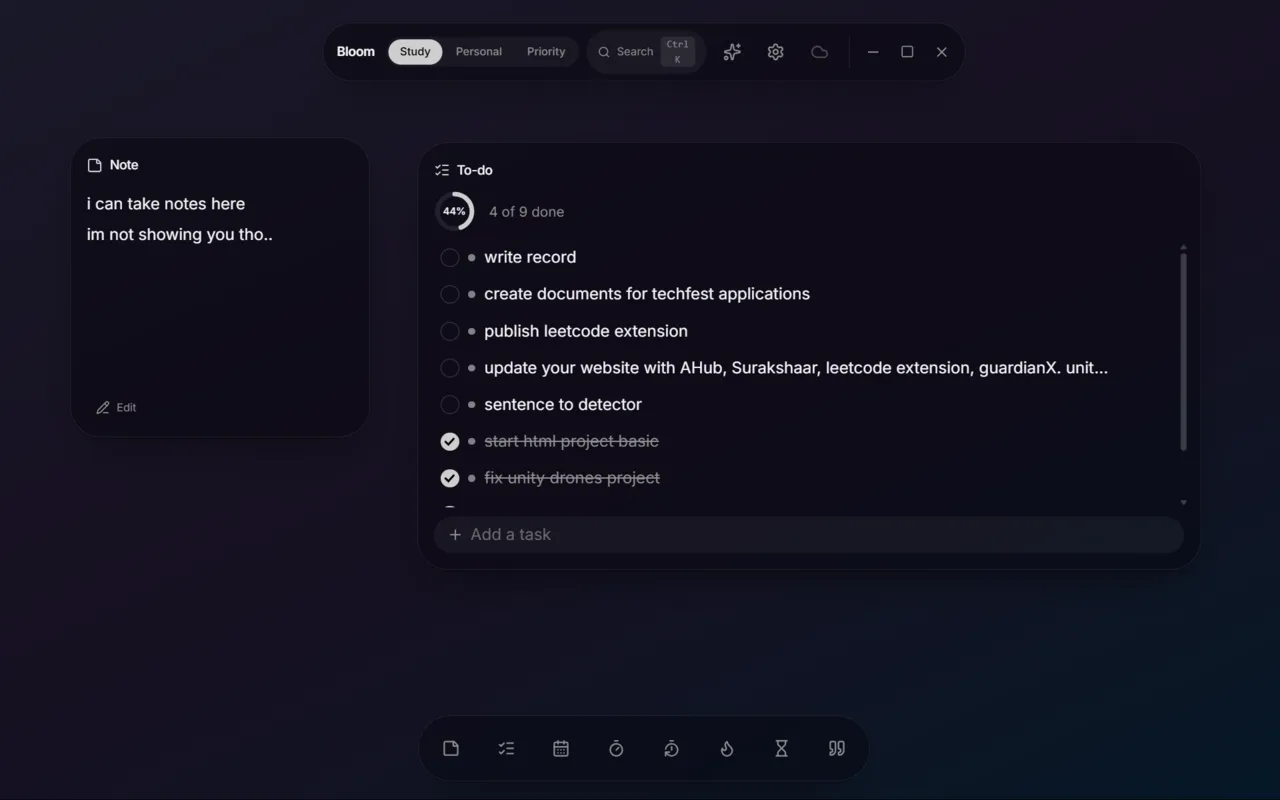
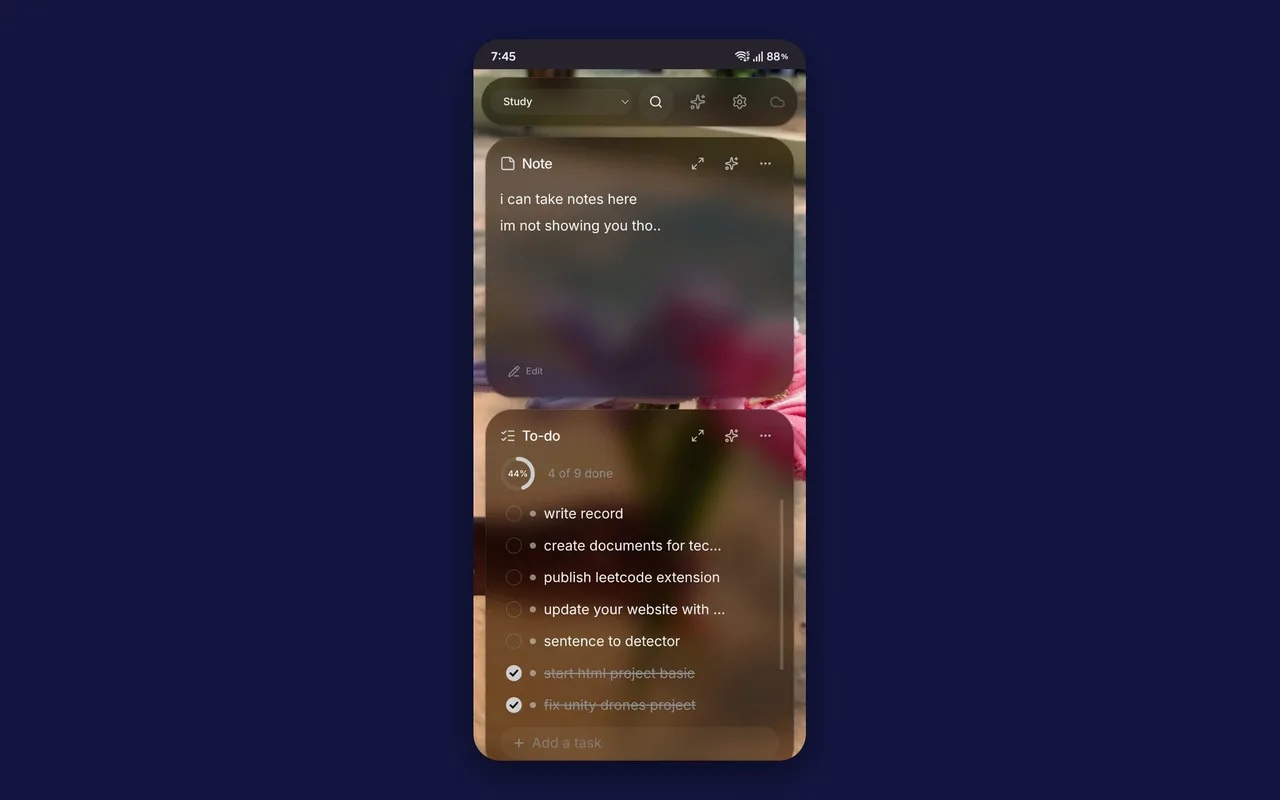
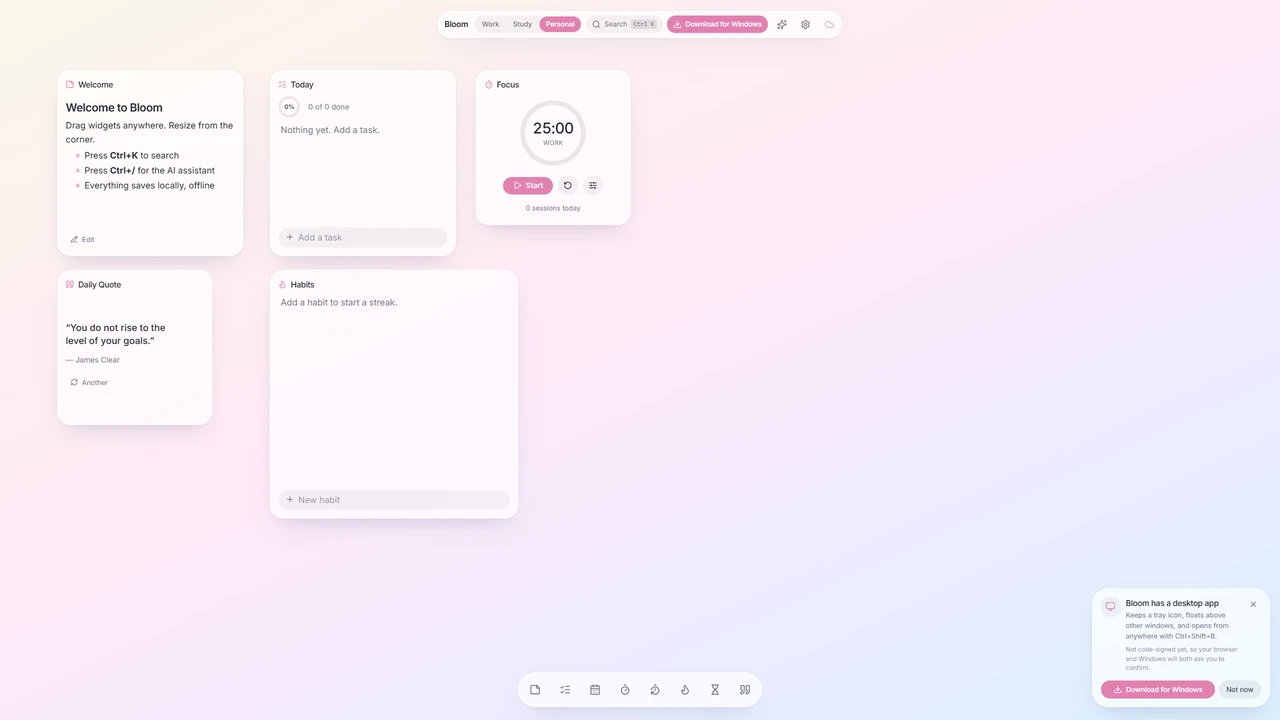
Bloom is a widget-based canvas: sticky notes, to-dos, a daily planner, habit trackers, pomodoro and countdown timers, and quotes, arranged however you like. Widgets live in separate workspaces (Study, Personal, Priority, whatever you need), with a Ctrl+K search across them. On a phone the canvas becomes a single scrolling column.
It ships to the web, as a PWA, and as a native Windows desktop app, all from a single codebase built on TanStack Start, React 19 and Tauri v2.
The problem
Productivity apps tend to force a trade-off: create an account and trust the cloud, or stay local and give up sync. And when sync exists, it is often whole-document last-write-wins, so editing on two devices at once silently throws one set of changes away.
How it works
- Offline-first. Everything works with no account; cloud sync and AI are optional layers on top.
- Widget-level merging. Multi-device sync merges per widget rather than per document, so two devices editing at the same time merge instead of overwriting each other.
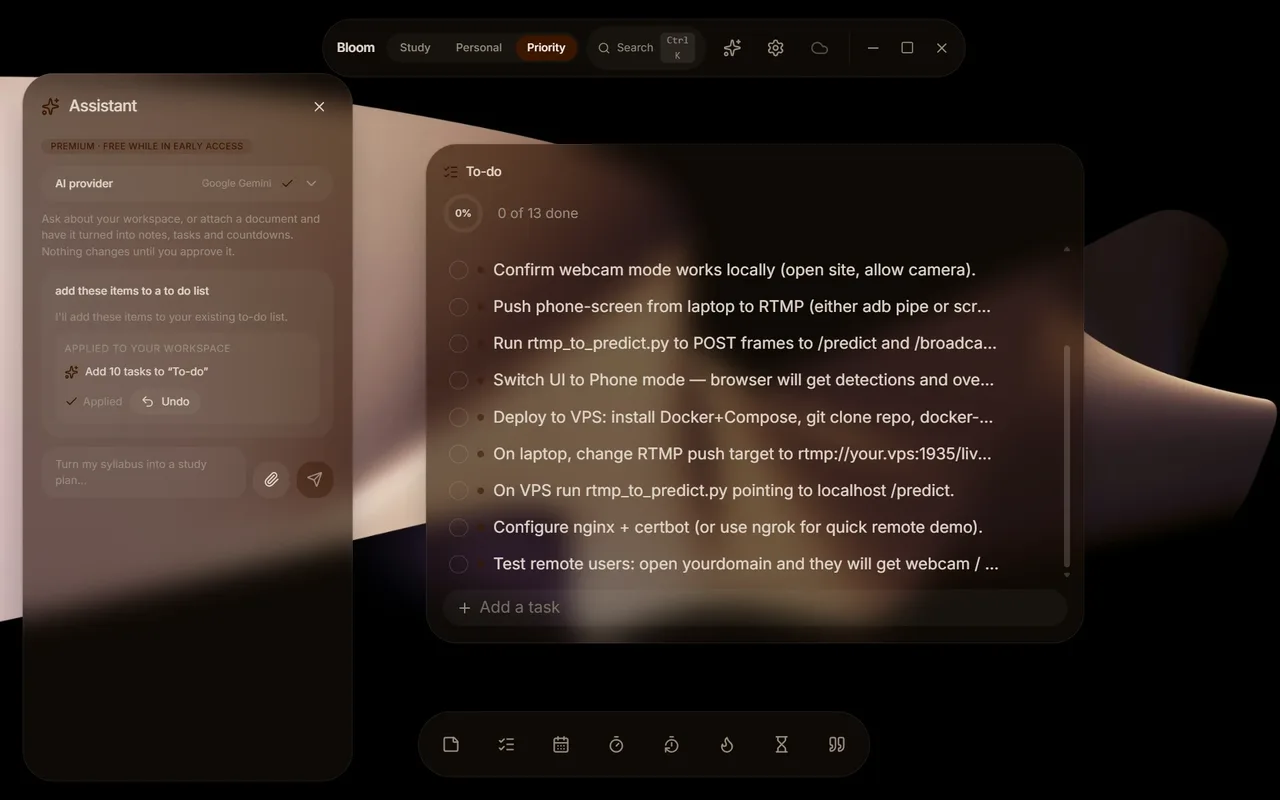
- An AI that proposes, not acts. A bring-your-own-key assistant (Claude, Gemini, OpenAI, OpenRouter, Groq or a local Ollama) emits structured operations that are validated against a Zod schema before they ever touch state. Attach a document and it becomes notes, tasks and countdowns, but nothing changes until you approve it, and every action can be undone.
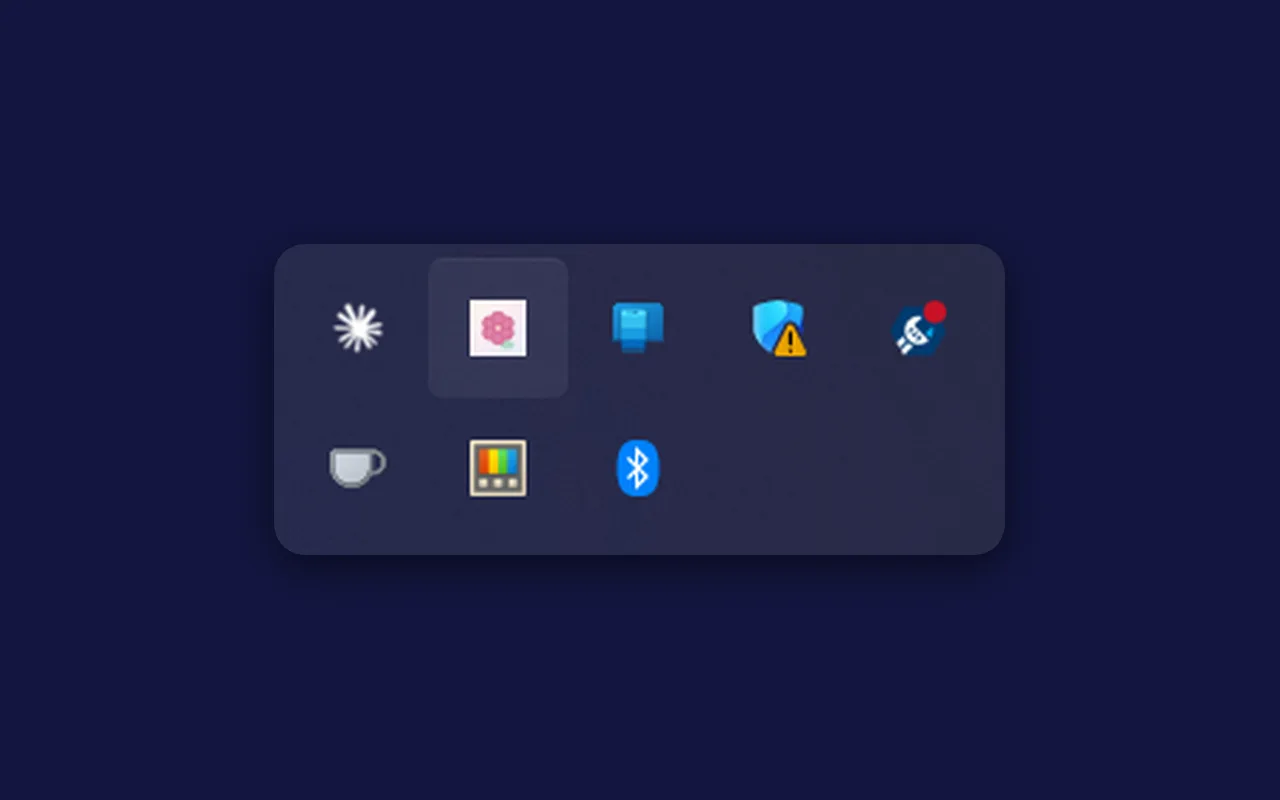
- A real native shell. The desktop app runs on a Rust (Tauri) backend. Closing the window parks it in the system tray, Ctrl+Shift+B summons it from anywhere, and the focus timer is scheduled in Rust, so its notification still fires with the window closed.
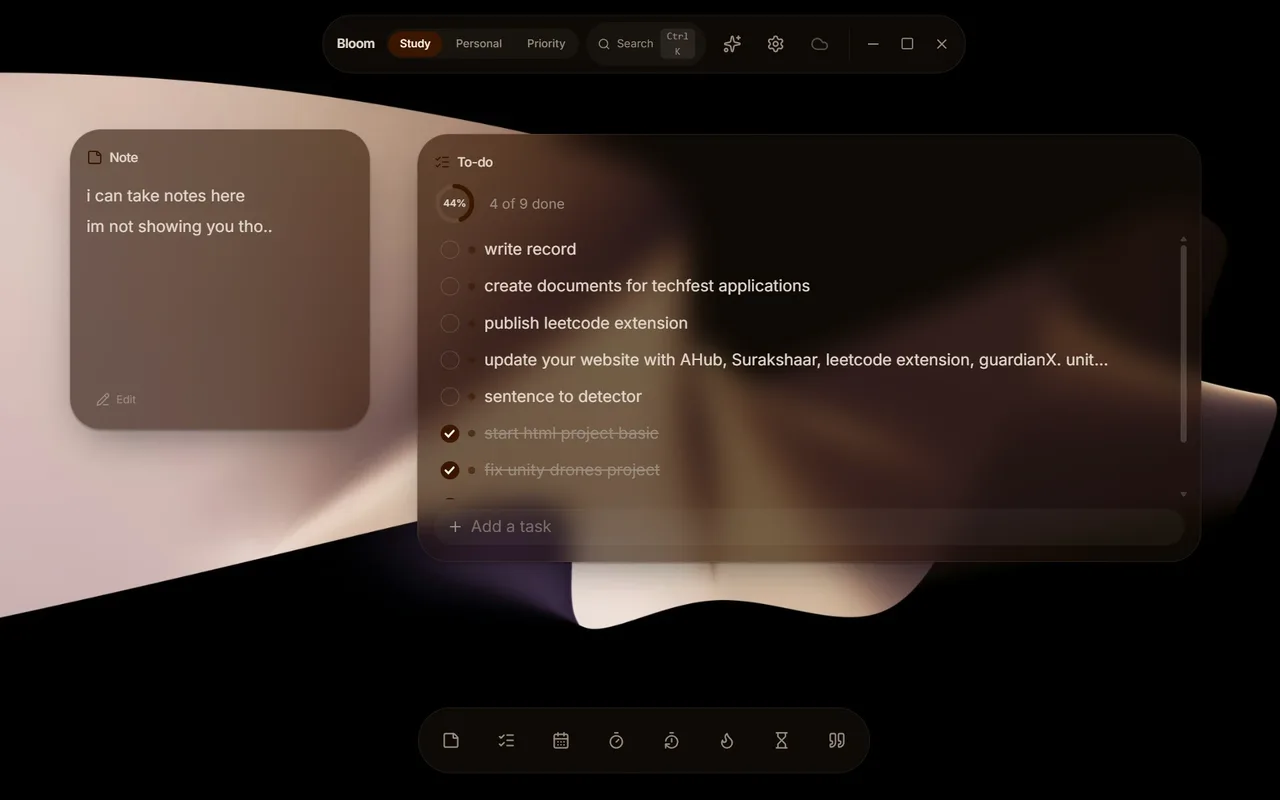
- Themes from your wallpaper. Bloom samples the dominant colors from your background image on the device and builds a contrast-aware theme from them, so text stays readable whatever the image. If an AI provider is set up, it composes the theme from those colors instead.
Key features
-
01
Widget canvas
Notes, to-dos, planner, habits, pomodoro, countdowns and quotes.
-
02
Offline-first
Fully usable without an account.
-
03
Merge-based sync
Widget-level merges across devices, no silent overwrites.
-
04
BYOK AI assistant
Schema-validated operations you can inspect and undo.
-
05
Native desktop app
System tray, a global hotkey, and timers that outlive the window.
-
06
Auto theming
Contrast-aware colors pulled from your background.
Challenges & what I learned
Sync is the hard part. Bloom merges at the widget level: edits to different widgets on two devices combine silently, and you are only asked to choose when the same widget changed in both places.
Letting an AI touch user data safely is the other: nothing the model proposes is applied until it passes schema validation, and everything it does can be undone.
The frosted glass was the surprise. Every blurred surface makes the GPU re-blur what is behind it each frame, which is free on a desktop and visible jank on a budget Android phone. So Bloom checks the device and drops to a flat-tint Lite mode, with the same palette and no blur, on low-memory phones.
Then there is burn-in. Bloom is meant to stay open all day, often on a secondary display nobody is looking at, with the same widgets in the same places, which is exactly how a ghost of their edges gets burnt into an OLED panel. With OLED screen care on, the whole canvas, background and widgets together, drifts 4 pixels to the next point on a small ring every minute: too little to notice, but enough that no pixel holds the same colour for hours. It is purely visual, so widget positions and dragging are untouched, and it still runs with reduced motion, jumping instead of gliding.
What’s next
More widget types, and code-signing the desktop installers so Windows and macOS stop warning on first run.
07 — Gallery
In pictures.