Project 04 Simulation · Training · Internship
Drone Familiarization System
A 3D trainer for learning a drone from the inside: take it apart, rebuild it part by part, and wire it up, with the app checking every connection.
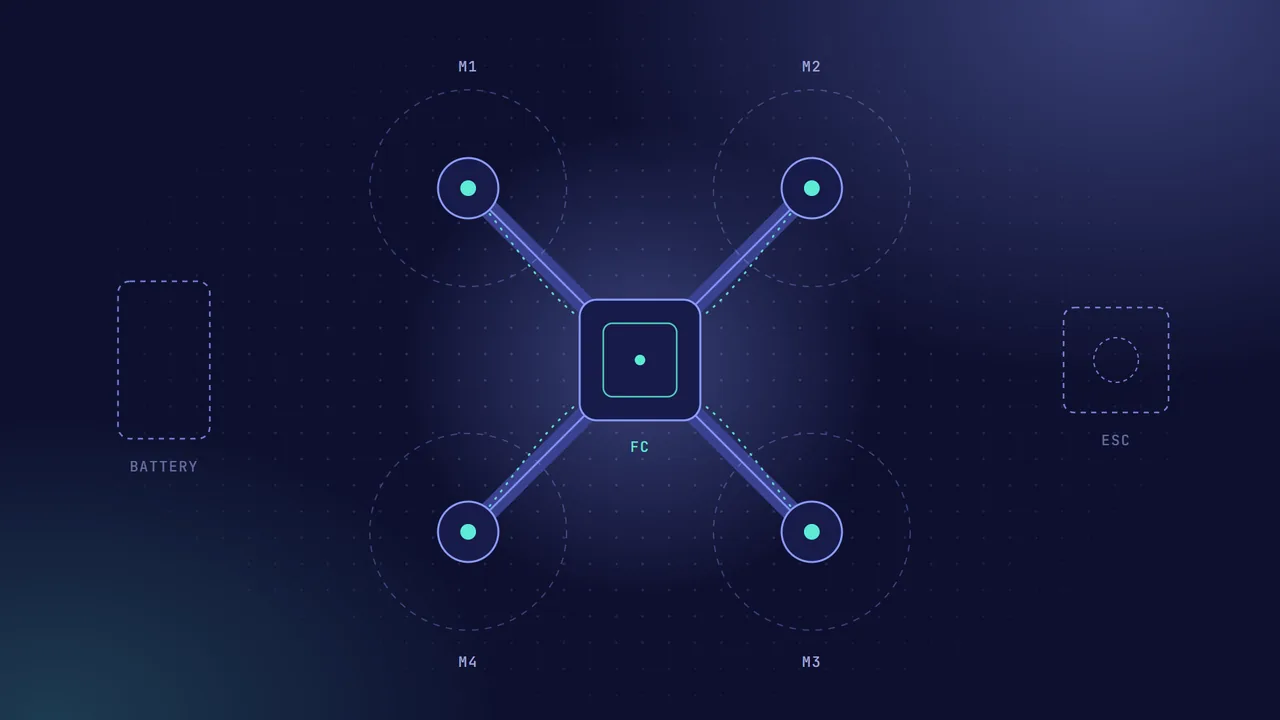
Overview
The Drone Familiarization System is a 3D trainer I built during my internship at the Simulator Development Division (SDD). It teaches how a drone is put together by letting you do it yourself, on screen.
You can take the drone apart to see every component, rebuild it step by step or freely, and then wire it up, with the app checking each connection as you make it.
The problem
Learning a drone’s internals on real hardware is slow and unforgiving: every trainee needs a kit, and a single wrong connection can damage a component. A simulator lets people practise the same assembly and wiring as often as they like, with nothing to break.
How it works
- Understand the parts. An exploded view pulls the drone apart so each component can be seen on its own, with what it is and what it does.
- Build it, guided or free. Guided mode walks through the assembly one step at a time, with hints; sandbox mode lets you build from the parts inventory on your own. Parts snap into place when you bring them close to the right spot.
- Wire it up. A wiring mode has you connect power, the flight controller, the speed controllers, the motors and the receiver, port by port.
- Instant feedback. Every wire is checked as you place it: missing links, ports that don’t belong together and short circuits are flagged straight away, and the motors spin up once the wiring is right.
Key features
-
01
Exploded parts view
See every component on its own, and what it does.
-
02
Guided assembly
Step-by-step instructions with hints.
-
03
Sandbox mode
Build freely from the parts inventory.
-
04
Snap-to-place
Parts lock into the right spot as you drag them in.
-
05
Wiring practice
Connect every part, port by port.
-
06
Instant checks
Wrong or missing connections and short circuits flagged at once.
Challenges & what I learned
Most of the work is making 3D feel precise with a mouse: parts need to snap in only when they are clearly close to the right slot, and the camera must not move while you are dragging something.
Small details matter for teaching, too. A motor that spins too fast strobes on screen and can look like it is running backwards, so the spin is kept slow enough that its direction stays readable.
What’s next
More drone types and components, and a short flight check after the build is complete.