Project 08 Desktop · Mobile Web
GripSync
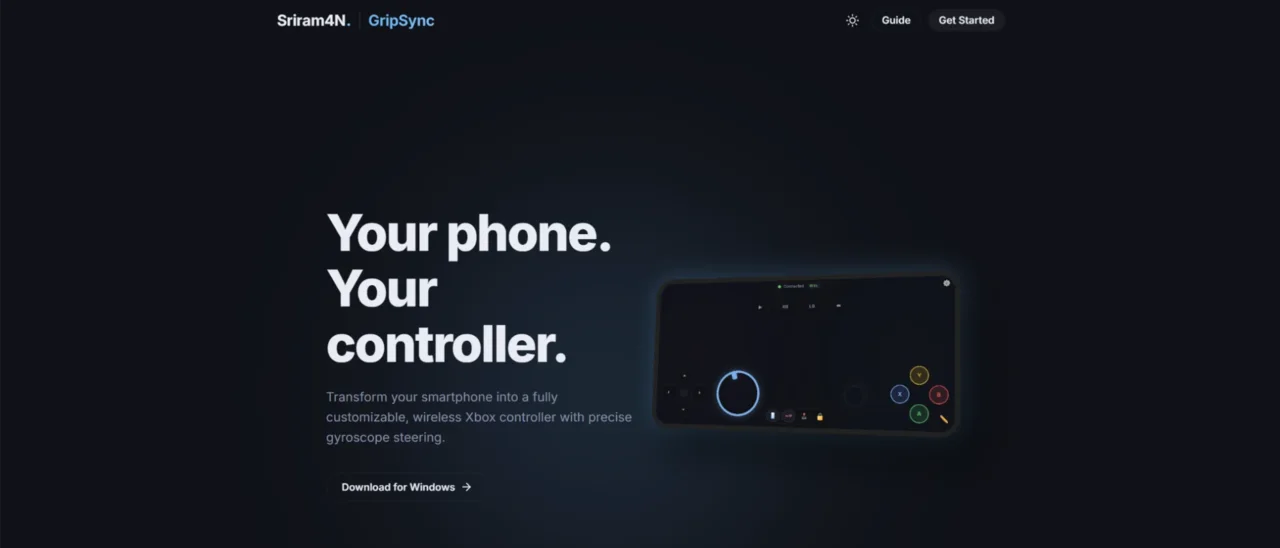
Turn your phone into an Xbox controller, with gyroscope steering and real rumble, and nothing to install on the phone.
Overview
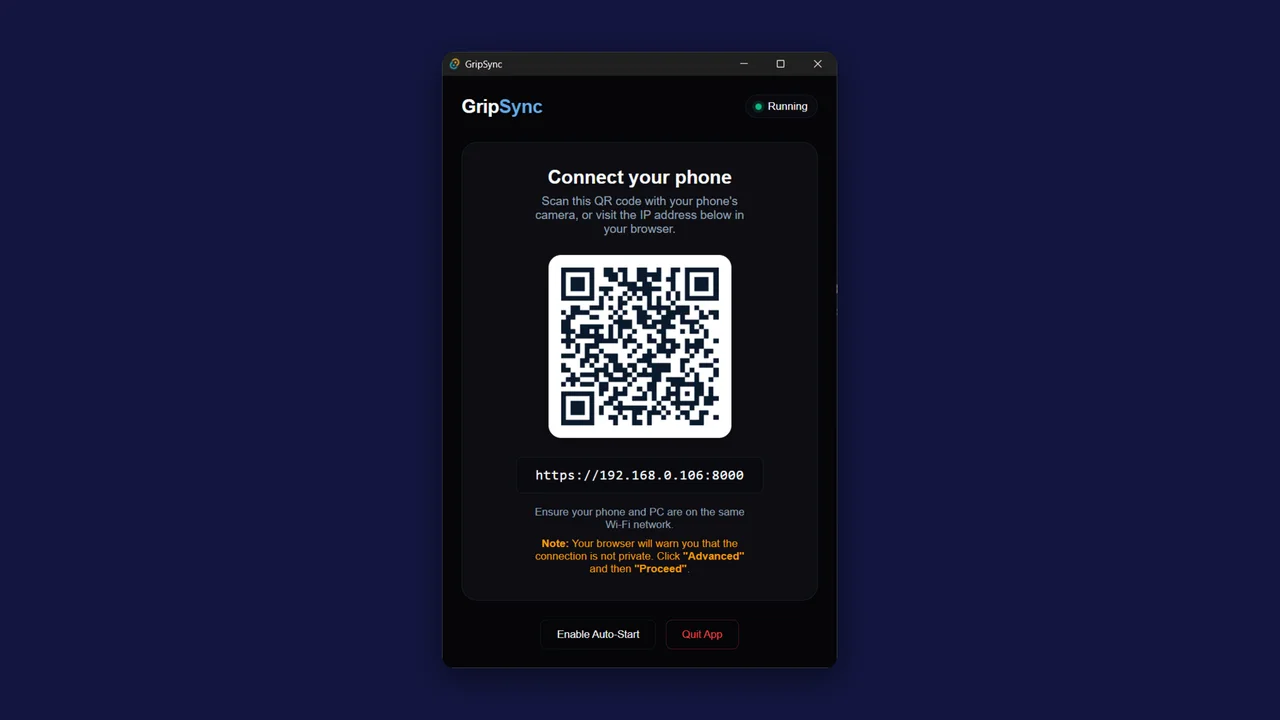
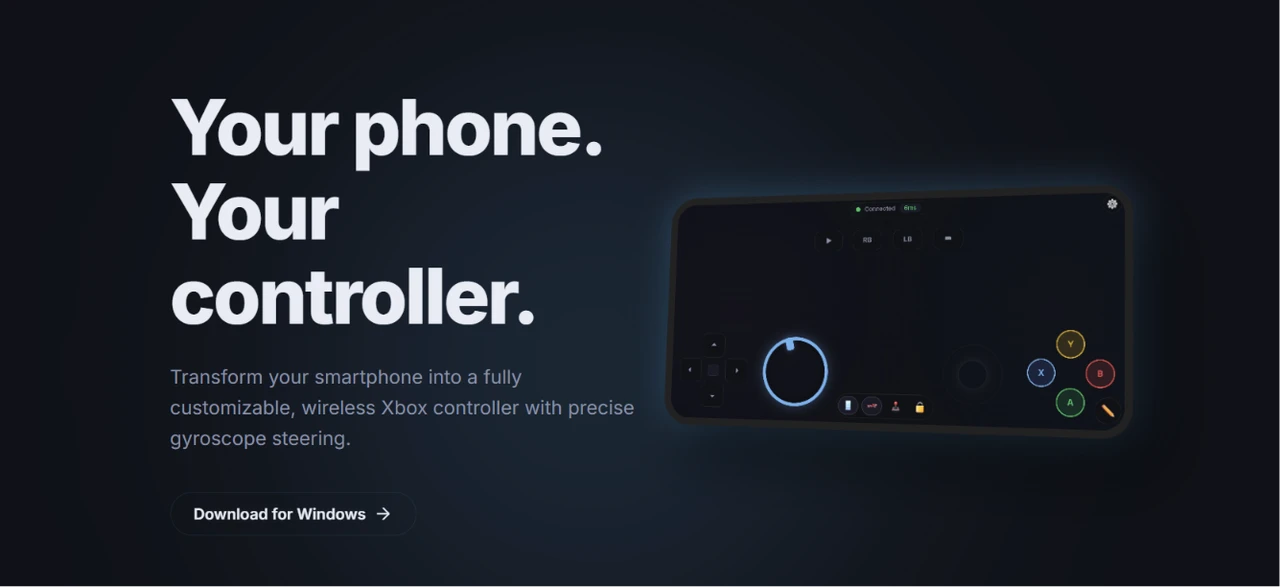
GripSync is a Windows application that turns your phone into an Xbox controller using WebSockets. When you open it, it generates a QR code; scan that with your phone’s browser and a full controller interface launches.
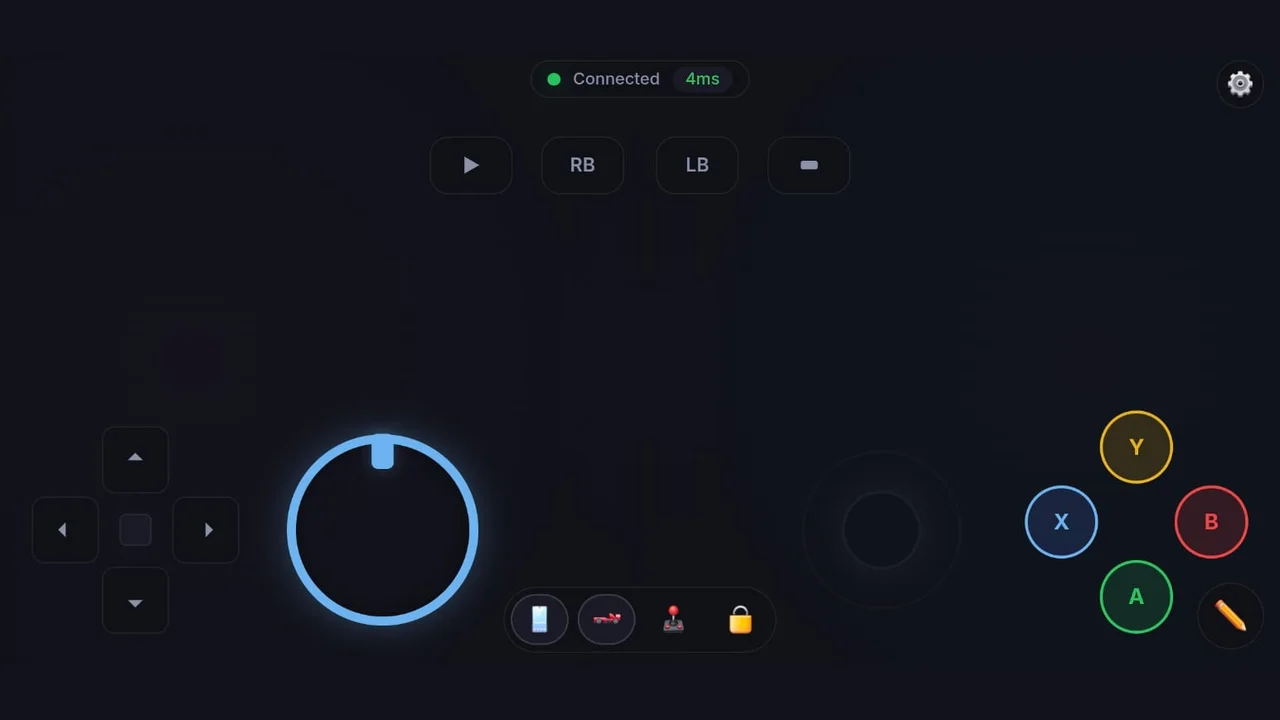
The phone’s gyroscope steers cars in games, and it even replicates physical rumble as vibration, like a real controller, all without installing an app on the phone.
The problem
Not everyone has a controller to hand, and turning a phone into one usually means installing an app on it first. GripSync needs nothing on the phone but a browser.
How it works
- QR pairing. The Windows app generates a QR code (or shows a local address to type in), and scanning it in the phone’s browser opens the controller. No install, no account, and the app can start itself with Windows.
- WebSocket input. Buttons, sticks and gyro data stream from the phone to the PC over WebSockets.
- Seen as an Xbox controller. On the PC side, that input is presented to games as an Xbox controller.
- Gyro and rumble. Tilting the phone steers, and rumble from the game plays back as phone vibration.
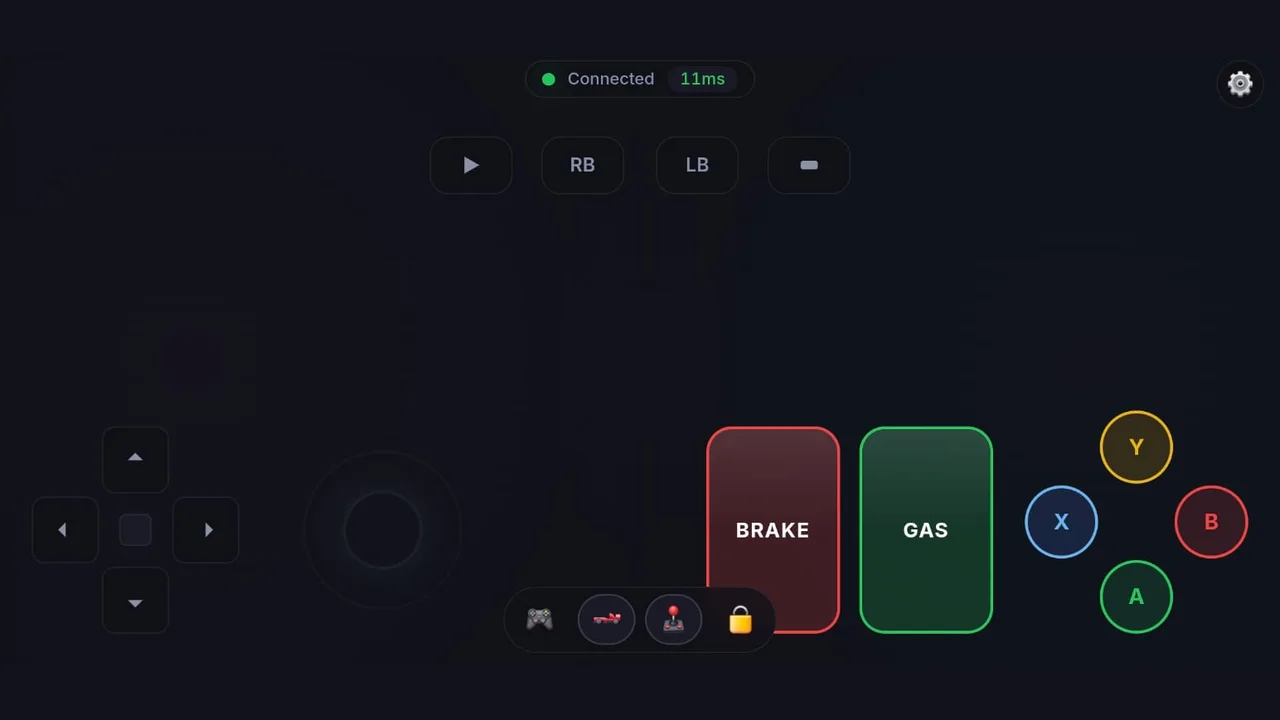
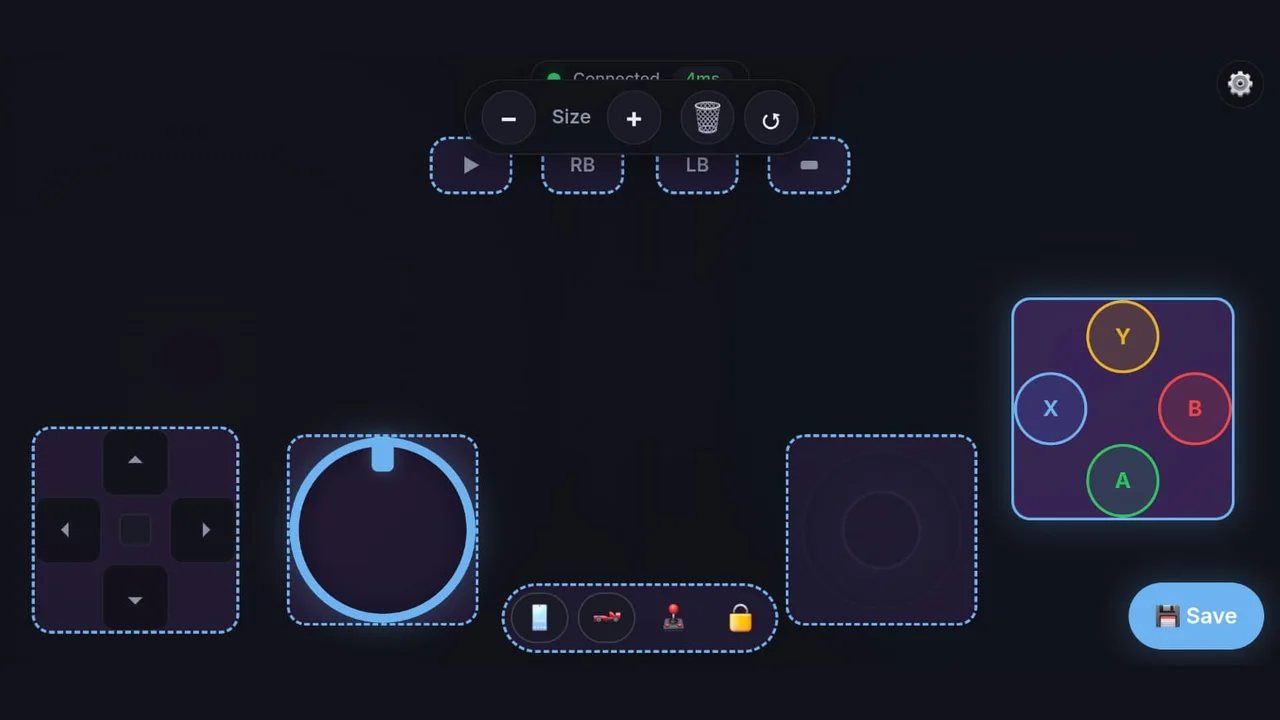
- Modes for the game you’re playing. A mode bar toggles gyro steering, a racing layout with gas and brake pedals, and the analog stick, and a live badge shows the connection’s latency.
Key features
-
01
Scan to connect
QR pairing straight into the phone’s browser.
-
02
No phone app
Runs entirely in the mobile browser.
-
03
Gyro steering
Tilt the phone to steer.
-
04
Real rumble
In-game vibration replayed on the phone.
-
05
Xbox layout
A full controller interface on your screen.
-
06
Customizable
Resize, remove and rearrange controls, then save.
Challenges & what I learned
Latency is everything in a controller, so the path from phone to PC has to stay as short as possible. Mobile browsers also put motion sensors and vibration behind permissions and user gestures, which shapes how the controller page starts up.
Those sensors also only work on a secure page, so the PC serves the controller over HTTPS on the local network. With no public certificate for a LAN address, the phone shows a privacy warning the first time, and the pairing screen tells you exactly what to tap to get past it.
What’s next
More than one phone at a time, for local multiplayer.
07 — Gallery
In pictures.