Project 10 AI · Documents
Sortify
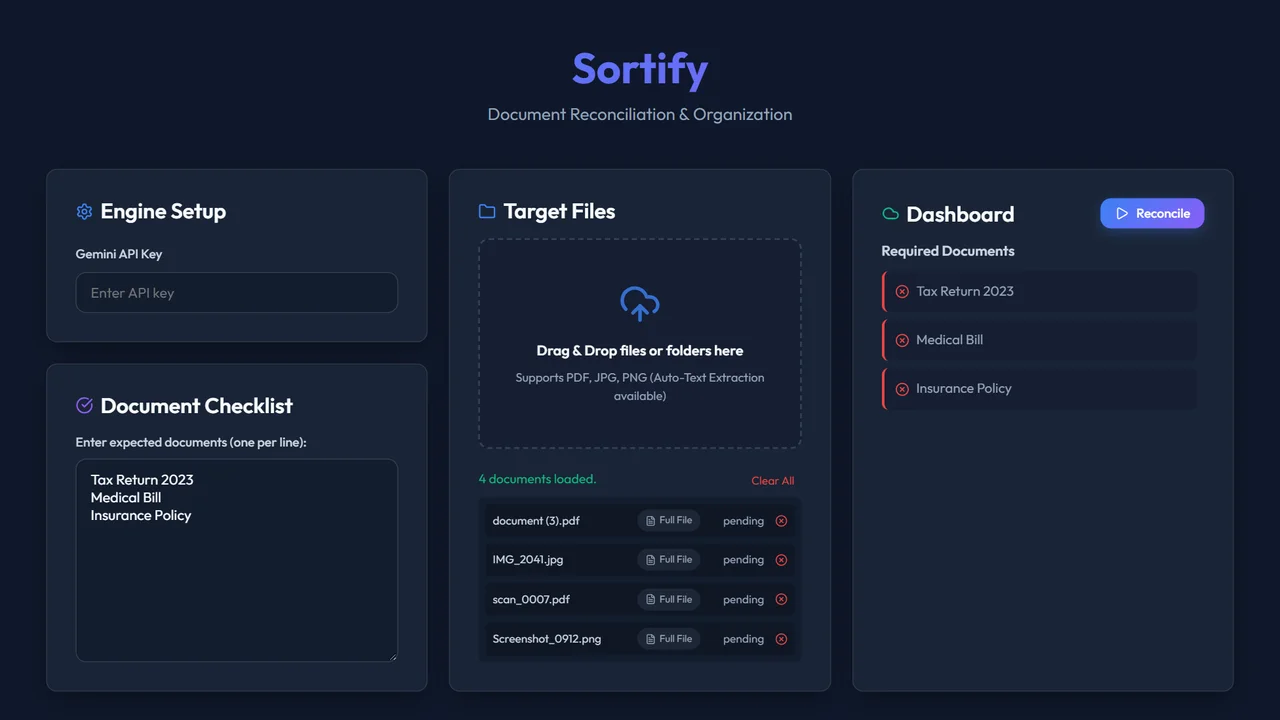
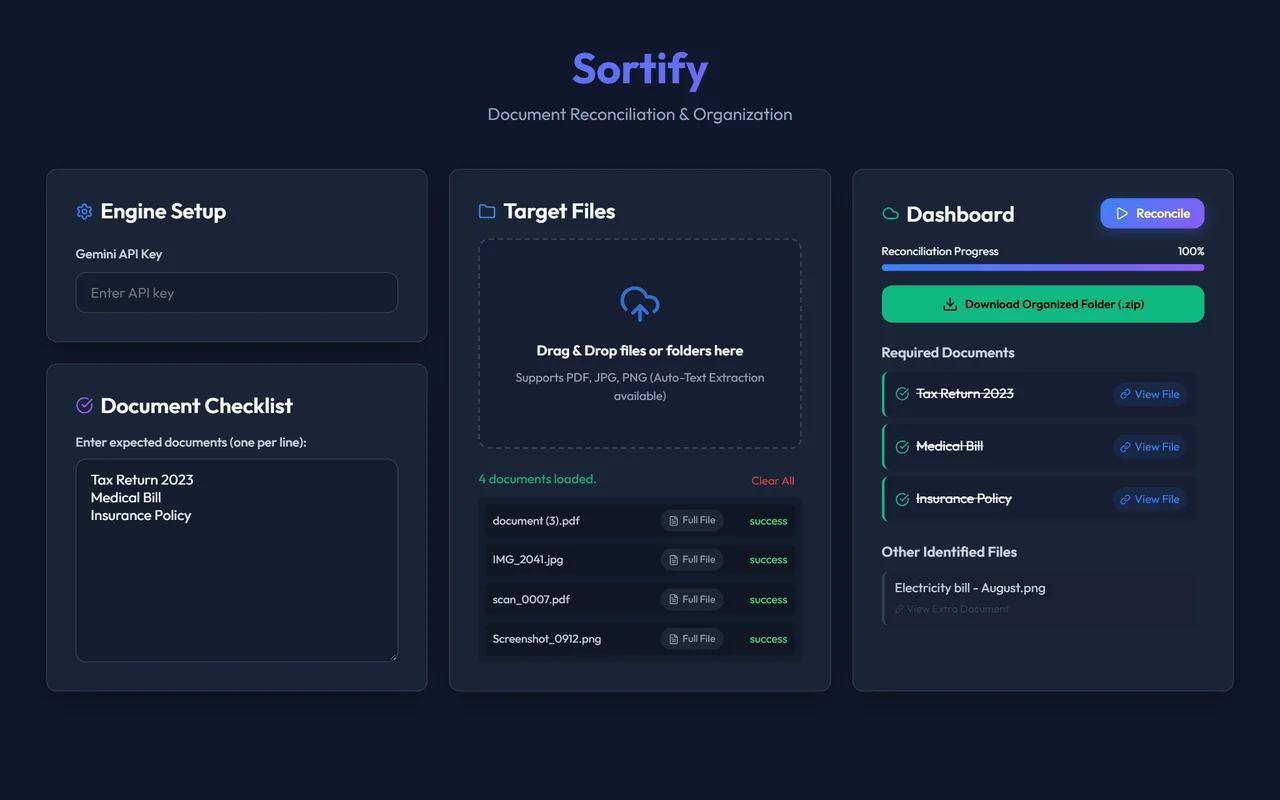
Upload a pile of untitled documents; the AI reads each one, gives it an accurate title, and hands everything back as an organized ZIP.
Overview
Sortify is a document classifier website. Upload untitled documents and an LLM (the Gemini API, or a local model through Ollama) fully scans each one and generates an accurate title.
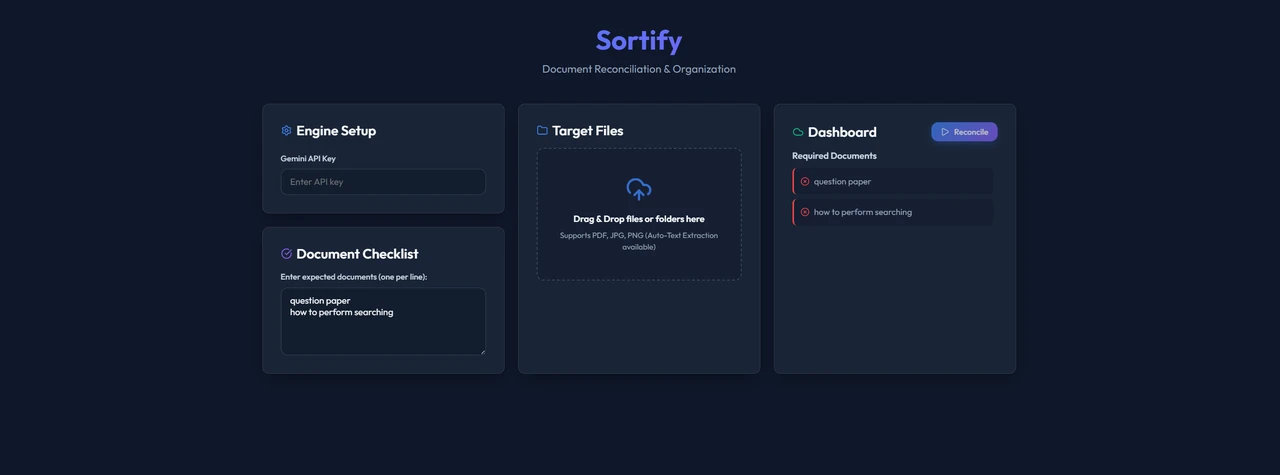
A checklist mode goes a step further: list the documents you need, and it identifies which files contain that content.
The problem
Scans and downloads pile up as scan_0012.pdf and IMG_4417.jpg, and finding the
one document you actually need means opening them one by one.
How it works
- Choose your model. Titles come from the Gemini API, or from a local model through Ollama.
- OCR first. Images and large files go through OCR, so the model receives text instead of raw pages and token usage stays down.
- Checklist matching. Enter the documents you expect, and Sortify identifies the files that contain each one.
- Organized export. Download all the classified material as an organized ZIP folder.
Key features
-
01
AI titling
Accurate titles generated from each document’s content.
-
02
Cloud or local
Gemini API or Ollama.
-
03
OCR pre-pass
Keeps token usage down on images and large files.
-
04
Document checklist
Find which files contain what you need.
-
05
ZIP export
Everything classified, organized and downloadable.
-
06
Drag & drop
Files or whole folders: PDF, JPG and PNG.
Challenges & what I learned
Token budgets shape the whole design. Sending every page of every file to a model is slow and expensive, which is why OCR does the heavy lifting before the LLM ever sees a document.
What’s next
A public prototype link, and smarter folder structures inside the exported ZIP.
07 — Gallery
In pictures.